 AISP
How to make an AI movie: a realistic workflow
Write the script first, split it into short scenes, fix the cast and the visual style, test the whole thing cheaply as a storyboard, then render scenes as video with dialogue and sound. Treat a long film as a series of chapters, because today’s AI video works best in scenes of 5 to 20 seconds.
Step by step
- Write a logline and a one-page outline before anything else.
- Split the story into chapters you can render as episodes.
- Create the cast with written appearances and reference portraits.
- Lock one style: Cinematic for live-action look, or 3D Animation, Cartoon or Anime.
- Render chapter 1 as a Storyboard to check pacing and continuity.
- Render a Draft video, then the final in Cinema or Cinema Pro.
Why AI movies usually feel like trailers
Most AI films online are montages: beautiful shots that do not add up to scenes. That happens when each shot is prompted on its own. The model does not know who the characters are, what just happened, or what the audience already knows.
Films are built from scenes that depend on each other. To get that from AI, the planning has to come first and travel with every shot: who is in the scene, what they look like, where they are and what changed since the last one.
Doing it in AISP
AISP treats a film as a series of chapters. You describe the story or paste your own script (up to 12,000 characters per chapter), and the agent splits it into scenes, keeps your words, and carries continuity notes from one chapter to the next.
For a live-action look choose the Cinematic style and the Photoreal brush. The video tiers generate dialogue and sound with the picture: Draft at 11 credits per second to preview, Cinema at 31 (720p) and Cinema Pro at 53 (full 1080p). Each chapter is quoted before you confirm, and failed scenes are refunded.
Honest limits
- Scenes are 5 to 20 seconds on the video tiers, so long single takes are not possible.
- Fine performance control (an exact glance, a precise gesture) is limited; write the beat clearly and retry the scene if needed.
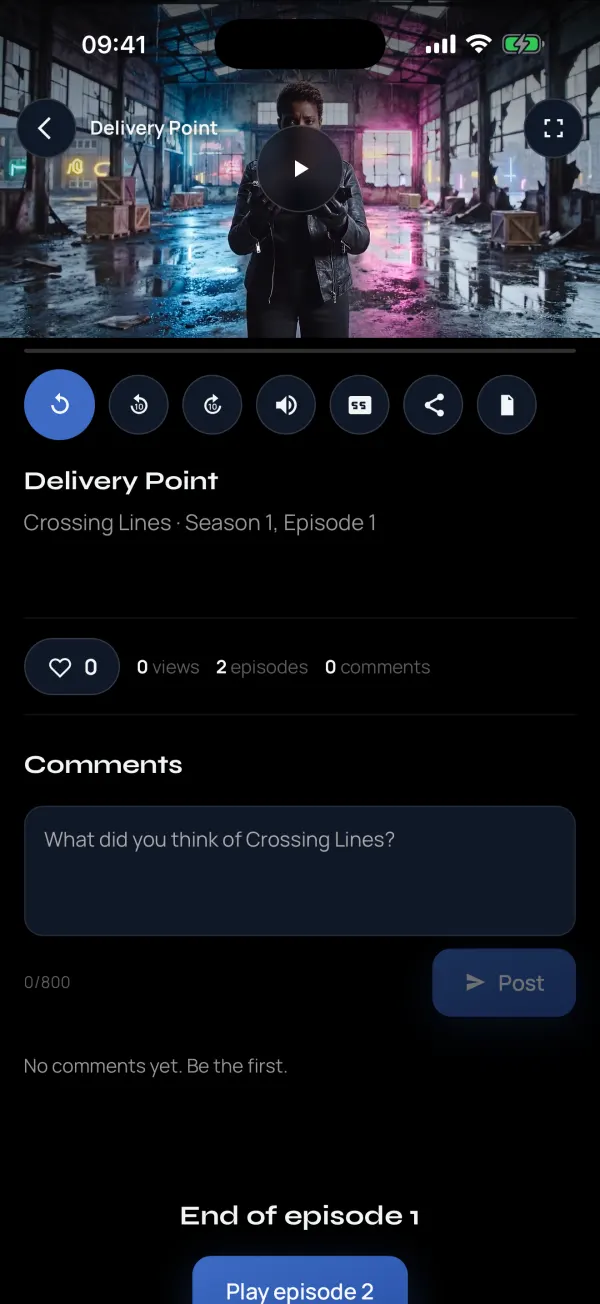
- Finished chapters play and share inside AISP; there is no video file export at the moment.
- A feature-length film is many chapters and a real credit budget. Prove it in Storyboard first.
A sample budget for a three-chapter short film
Say three chapters of six scenes, eight seconds each: 144 seconds of finished film. As a Storyboard, rendering is 144 credits plus scene frames. As Draft video it is 11 credits per second, about 1,600 credits, and Cinema at 31 per second is about 4,500, plus any keyframe images. The confirm screen shows the exact quote for each chapter, and failed scenes are refunded.
That is why the workflow above puts the storyboard first: you spend real money only on a story that already works.
Questions
Can I make an AI movie for free?
You can write it for free and storyboard a first chapter with the 100 credits new accounts get. Full video costs credits per second.
Can I make an AI movie of myself?
No. AISP designs characters from text; it does not take photos of real people as references.
Product details checked November 2026. Rates and features can change; the app always shows the current cost before you confirm.