 AISP
AI story video generator: turn an idea into story videos, episode by episode
A good AI story video generator writes the story first, fixes the characters and style, and only then renders scenes — so the video tells one coherent story instead of a string of pretty clips. In AISP you type the idea, read the episode script, and render it as a narrated illustrated video or as full video with dialogue and sound.
Step by step
- Type the story idea and pick a language, genre and shape (widescreen, vertical or square).
- Choose a style and a look: Storyboard, Motion (narrated) or Video.
- Let the agent write the series bible and cast portraits.
- Read episode 1’s script and the cost; rewrite it if you want.
- Render, watch, and generate the next episode.
Story first, pixels second
Text-to-video models are good at making a single shot look beautiful and bad at remembering a plot. If you prompt them scene by scene you get continuity errors: characters change, places swap, and the ending does not follow from the start.
AISP puts a writer in front of the renderer. The story is planned as a season, each episode is scripted into scenes with who is there, where it is and what is said, and the renderer only draws what the script describes. Continuity notes carry what happened forward into the next episode.
Narrated or performed
Motion is the narrated story video: illustrated scenes, a narrator voice and camera movement, at 2 credits per second. It suits fables, mysteries, horror anthologies and explainers, and it costs a fraction of full video.
The video tiers render moving footage for each scene and generate their own dialogue and sound with the picture: Draft (11 credits per second), Cinema (31, 720p) and Cinema Pro (53, full 1080p). Scenes run 5 to 20 seconds.
Sharing story videos
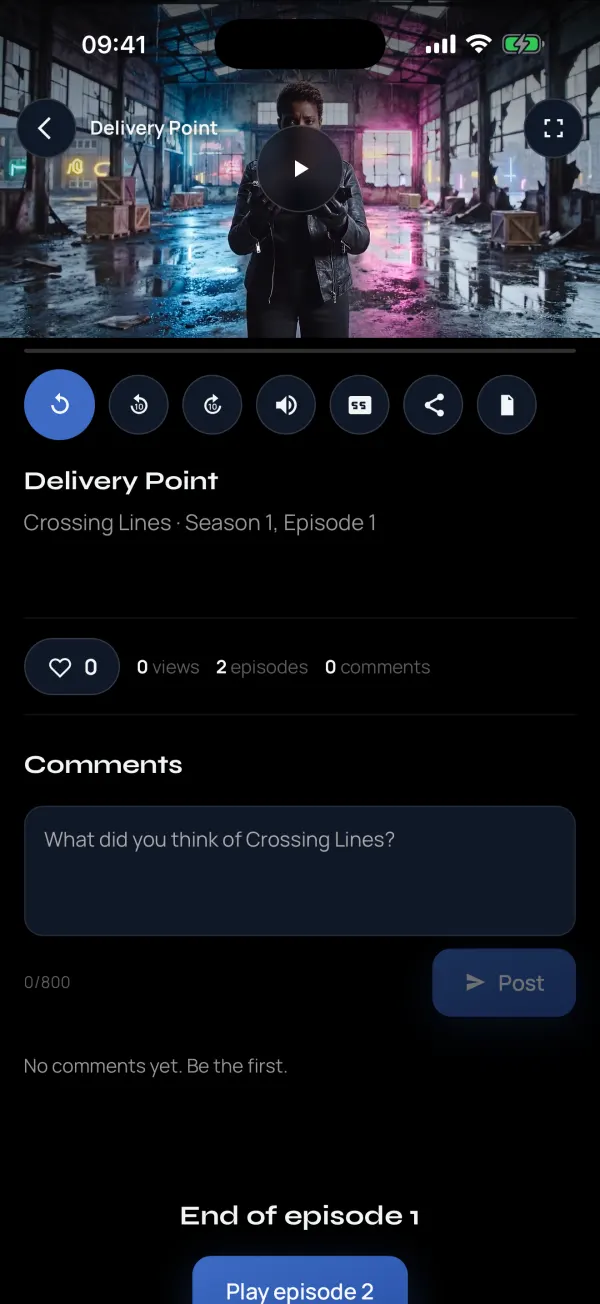
Episodes play in AISP, on the web and the Android app, and every episode has a share link. Finished series can be published to AISP’s public catalog, where viewers can like, comment and follow you. There is no export of the finished video file at the moment, so plan to share links rather than re-upload elsewhere.
Story video formats that work
- Narrated horror or mystery anthologies in Motion, one tale per episode.
- Serialised drama in vertical 9:16, one to three minutes per episode.
- Fables and bedtime stories told over several episodes with the same characters.
- Language-learning stories, written and narrated in one of 15 languages.
Whatever the format, the episode is scripted first and you can read it, ask for a rewrite or write it yourself before any credits are spent.
Questions
Can it make vertical story videos?
Yes. Choose the vertical 9:16 shape when you create the series.
Which languages are supported?
Stories are written and narrated in any of 15 languages, including English, Spanish, Portuguese, French, Hindi, Arabic, Indonesian and Japanese.
How long can a story video be?
An episode has 3 to 60 scenes. A season has 3 to 12 episodes.
Product details checked November 2026. Rates and features can change; the app always shows the current cost before you confirm.